
POWER & BATTERY MANAGEMENT
PCB Fabrication Data Review: How to Check Gerber and Drill Files
A PCB fabrication data review checks whether the board outline, copper layers, solder mask and hole data describe the same board. It helps designers and fabricators resolve questions before production. Agree on the accepted file formats and requirements for each project.
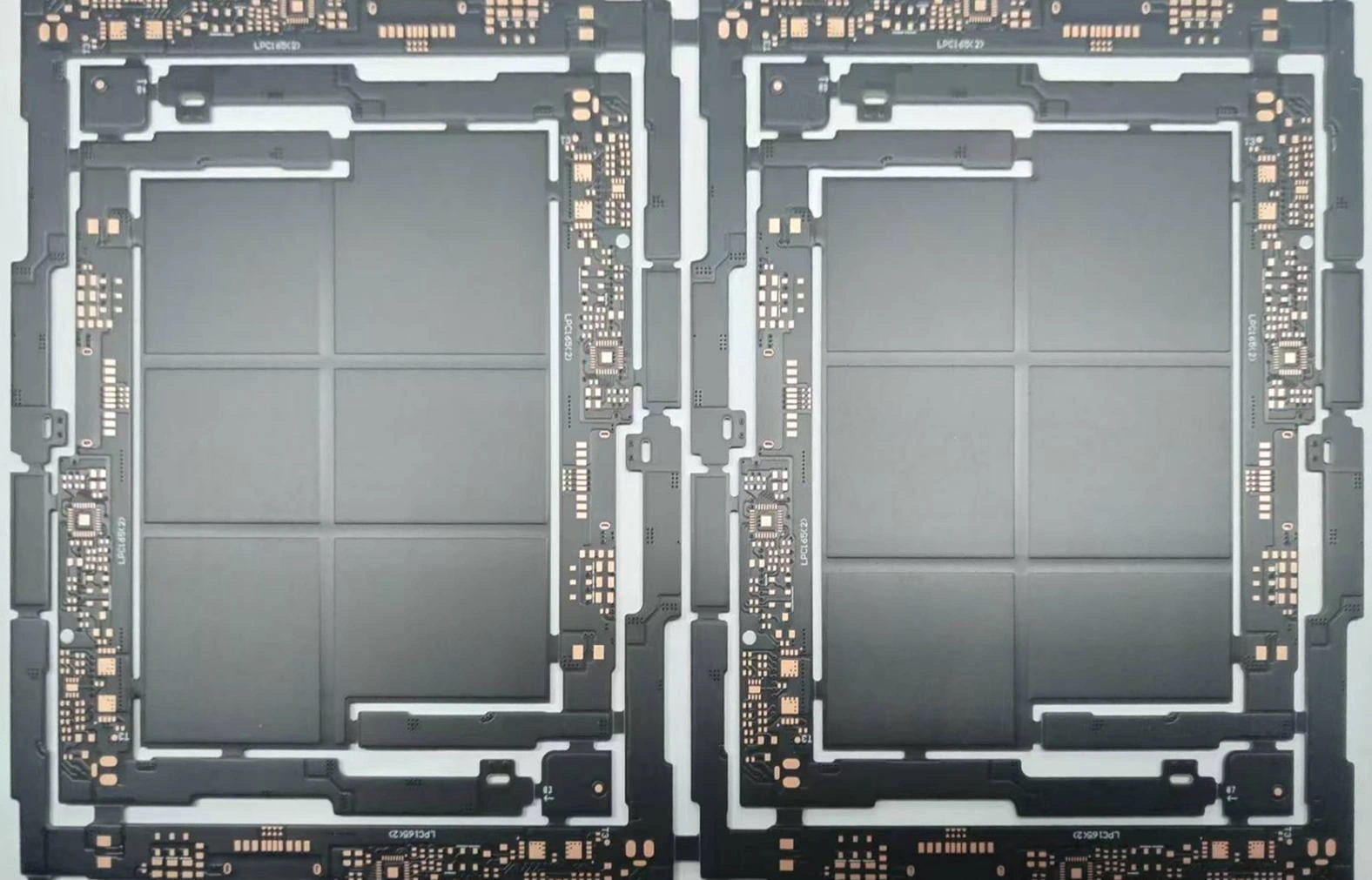
Check the board outline and layer order
Open the manufacturing files in a separate viewer, not only the original design application. Confirm that the outline is closed and includes cutouts. Identify the top, bottom and inner copper layers, and provide the intended stack-up. Then check that all layers use the same coordinate system and align when viewed together. A drawing helps communicate intent, but it does not replace a machine-readable profile.
Check holes, slots and drill spans
Review plated and non-plated holes, slot dimensions, drill spans and their relationship to copper pads. Provide the required finished hole sizes and tolerances. Also state whether dimensions refer to finished plated holes or tool sizes. Resolve any ambiguity with the fabricator. Supply the machine-readable drilling or routing data the fabricator accepts; a visual drill map alone is not a substitute.
Review copper, solder mask and legend
Inspect pad clearances, copper-to-edge distances and solder-mask openings in the exported data. Check that the legend does not cover pads or conflict with the board outline. Next, compare the intended stack-up, copper weights, material and finished thickness against the project requirements. Do not assume a generic clearance or thickness is available for every board. Instead, confirm the actual design with the fabricator.
Reconcile the manufacturing notes
Provide a revision identifier, board dimensions, layer count, surface finish, quantity and required inspection. If impedance control is needed, identify the relevant nets, target impedance and tolerance. Submit the proposed stack-up for review as well. Finally, clarify which documents control if a drawing and exported data disagree. Project feasibility and acceptance criteria require confirmation.
PCB fabrication data review checklist
- Export a complete, revision-matched set of fabrication layers and hole data.
- Load the files together in an independent viewer and check alignment, scale and polarity.
- Inspect the outline, layer order, hole sizes and plated versus non-plated features.
- Cross-check notes, stack-up and controlled-impedance requests against the data.
- Send the files through the agreed channel and resolve engineering questions before approving production.
What should you send with a PCB quote request?
Include the fabrication files and a revision-matched specification covering quantity, materials and inspection needs. See our custom PCB fabrication quote request guide for the wider procurement checklist. You can also review our PCB capabilities overview. These checks concern bare-board fabrication, not component assembly.
Discuss your PCB project
Share your fabrication package and project requirements with the VOLUXIN team through the project enquiry page. The team can review feasibility and clarify the details needed for a quotation.
Technical reference
Ucamco, Gerber Layer Format Specification, revision 2026.05. This industry reference describes the format; it does not establish VOLUXIN manufacturing capabilities. Confirm the accepted export format and project-specific limits with the fabricator.
Tell us what your equipment needs.
Share your application, product requirements and any details you have already confirmed. We can then discuss the available options.
Discuss Your Requirements